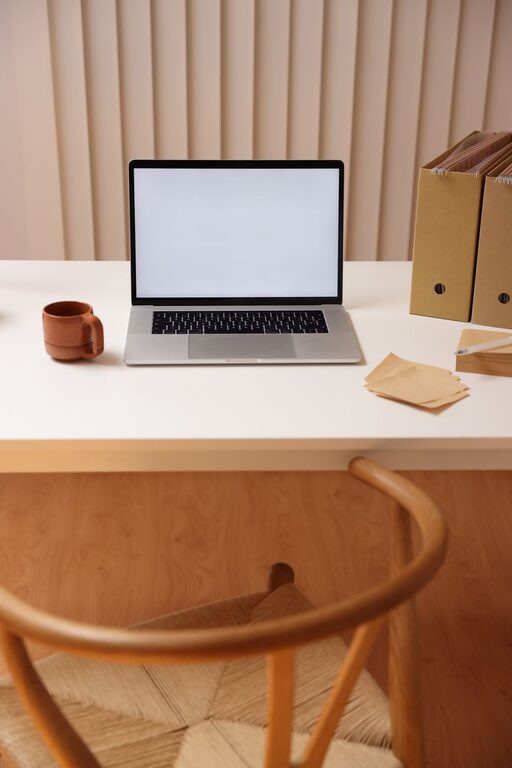
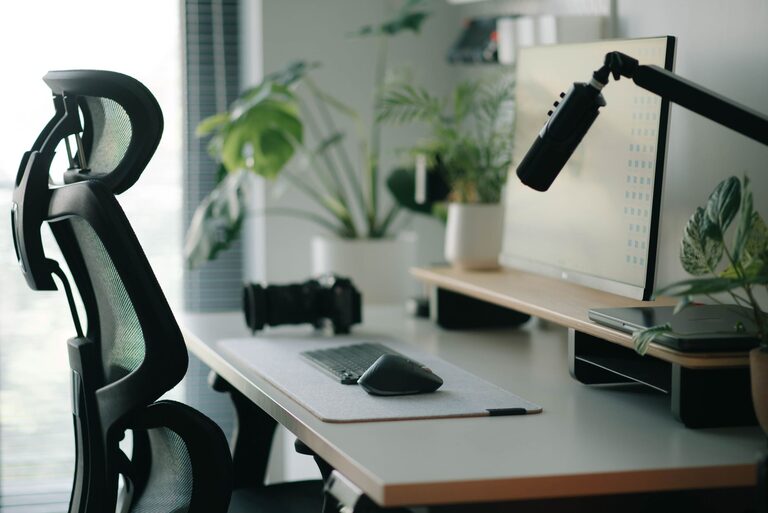
Creating a workspace that encourages both focus and comfort is essential whether you’re working from home, studying, or managing daily tasks. A thoughtfully arranged desk setup can improve your posture, reduce distractions, and make long hours feel less tiring. In this post, we’ll walk through practical tips to help you design an effective and comfortable desk setup.
Why a Good Desk Setup Matters
Your desk is more than just a surface for your computer or papers — it’s the foundation of your work environment. A well-organized, ergonomic workspace helps:
– Increase concentration by minimizing distractions
– Prevent physical discomfort like neck or back pain
– Promote better posture and reduce fatigue
– Improve overall productivity and work satisfaction
With these benefits in mind, let’s look at how to create a desk setup that supports your focus and comfort.
Choose the Right Desk and Chair
Desk Considerations
– Size and Height: Your desk should have enough space for your essentials (computer, notepads, etc.) without clutter. Standard desk height is about 28-30 inches, but adjustable desks are great for personalized setups.
– Surface Material: Smooth, durable surfaces are easier to clean and can help you feel more organized.
– Standing Options: Consider a sit-stand desk or a desk converter to alternate between sitting and standing throughout the day.
Chair Choices
– Ergonomic Design: A chair with lumbar support, adjustable height, and armrests helps maintain good posture.
– Comfortable Padding: Ensure the seat cushion supports you without being too soft or too firm.
– Mobility and Stability: A chair with wheels and a swivel feature can make reaching items easier but ensure it remains stable when needed.
Position Your Monitor and Keyboard Correctly
Proper placement of your monitor and keyboard reduces strain on your eyes, neck, and wrists.
– Monitor Height and Distance
Place the monitor so the top of the screen is at or slightly below eye level. The screen should be about an arm’s length away to avoid eye strain.
– Keyboard and Mouse Placement
Keep the keyboard and mouse close enough to prevent overreaching. Your elbows should be at a 90-degree angle, and wrists should be straight while typing or using the mouse.
– Use a Monitor Stand or Adjustable Arm
These tools help you customize screen height and angle for optimum comfort.
Manage Lighting to Reduce Eye Strain
Lighting plays a significant role in your comfort and focus.
– Natural Light
Position your desk near a window for natural daylight, but avoid glare on your screen.
– Task Lighting
Use a desk lamp with adjustable brightness to illuminate your workspace without harsh shadows.
– Avoid Overhead Glare
Use soft, ambient lighting to create a pleasant environment.
Keep Your Desk Organized
Clutter can distract and add unnecessary stress. Here are ways to maintain order:
– Declutter Regularly
Clear your desk daily or weekly to keep only essential items within reach.
– Use Storage Solutions
Drawer organizers, shelves, and desk trays help keep supplies organized.
– Cable Management
Use clips, sleeves, or boxes to keep cords tidy and out of the way.
Add Personal Touches Wisely
Personal items can make your space more inviting but keep them minimal to avoid distraction.
– Plants
Small indoor plants improve air quality and add a calming touch.
– Photos or Art
A few meaningful photos or artwork can provide inspiration.
– Comfort Items
A cozy blanket, wrist rest, or cushion can add comfort without clutter.
Incorporate Movement and Breaks
Comfort isn’t just about your chair or desk; it’s about how you use the space.
– Take Regular Breaks
Stand up, stretch, and walk every 30-60 minutes to reduce stiffness.
– Use a Timer or App
Reminders can help you maintain a healthy routine.
– Consider a Footrest
A footrest can improve circulation and posture during long sitting periods.
Maintain Cleanliness and Air Quality
A clean, fresh space contributes to well-being and productivity.
– Dust and Wipe Surfaces Weekly
Keep your desk, electronics, and accessories clean.
– Air Circulation
Open a window or use a small fan or air purifier to keep air fresh.
– Avoid Food at Desk
This helps prevent crumbs and sticky surfaces.
Final Thoughts
Designing a desk setup that maximizes focus and comfort is a practical way to improve your daily productivity and health. By choosing ergonomic furniture, optimizing your desk layout, managing lighting effectively, and maintaining an organized space, you create an environment where you can work efficiently and feel good throughout the day.
Remember, your workspace should evolve with your needs. Experiment with these tips and adjust them to fit your routine and preferences. With a little attention and care, your desk can become your most valuable productivity ally.
About the Author